Install the Popsell App and notifications on iOS
Purpose
This article shows how to install the Popsell App as a PWA on an iPhone.

A PWA is a Progressive Web App, which is installed directly from the Web page where it resides. Is has the same behaviour as an App installed from the App Store.
The Popsell App is dedicated to brand teams and vendors, and is usually accessible on https://brand.popsell.com
In the example below, the brand used is BA111OD.
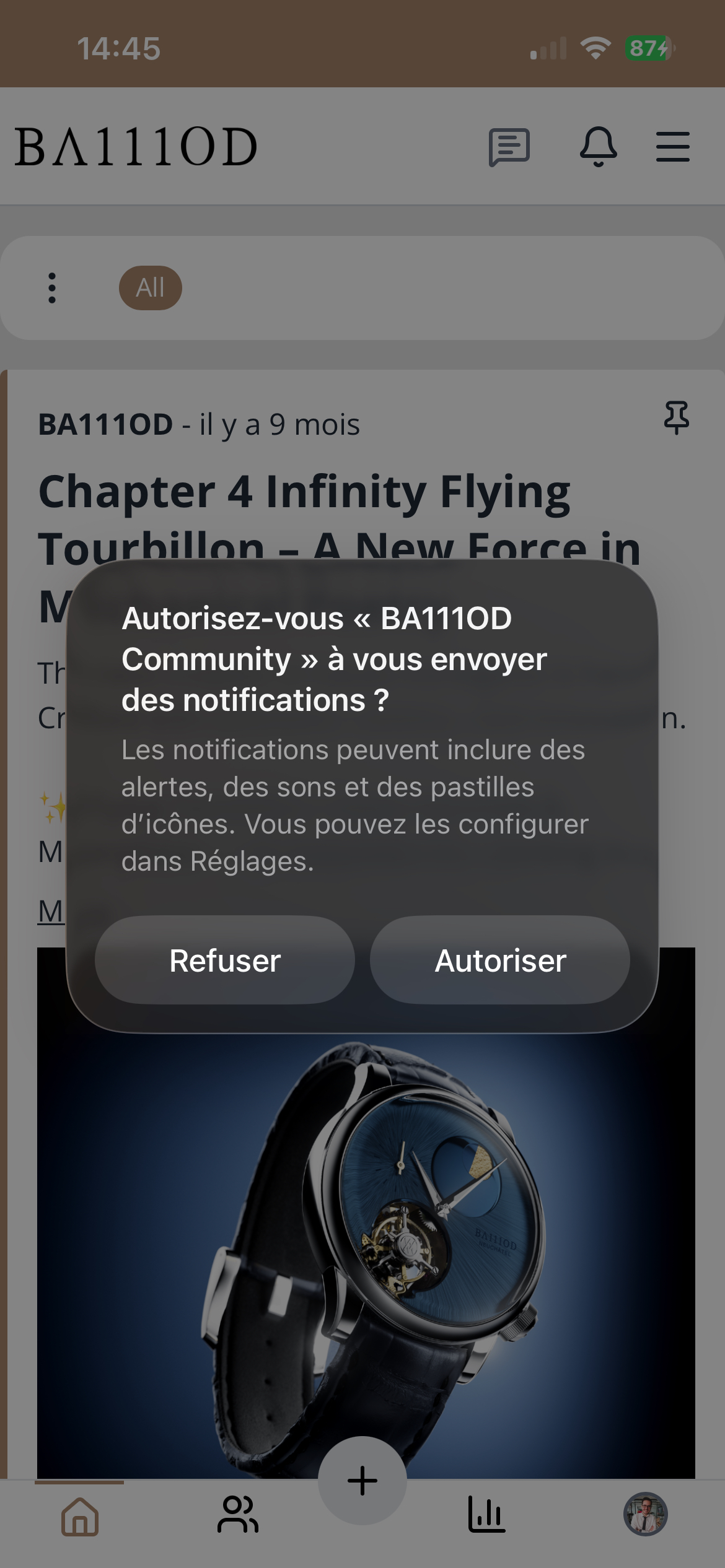
Installing the web site as a PWA enables to activate the Notifications on the iPhone, and particularly the notifications for the conversation Waiting List.
Steps
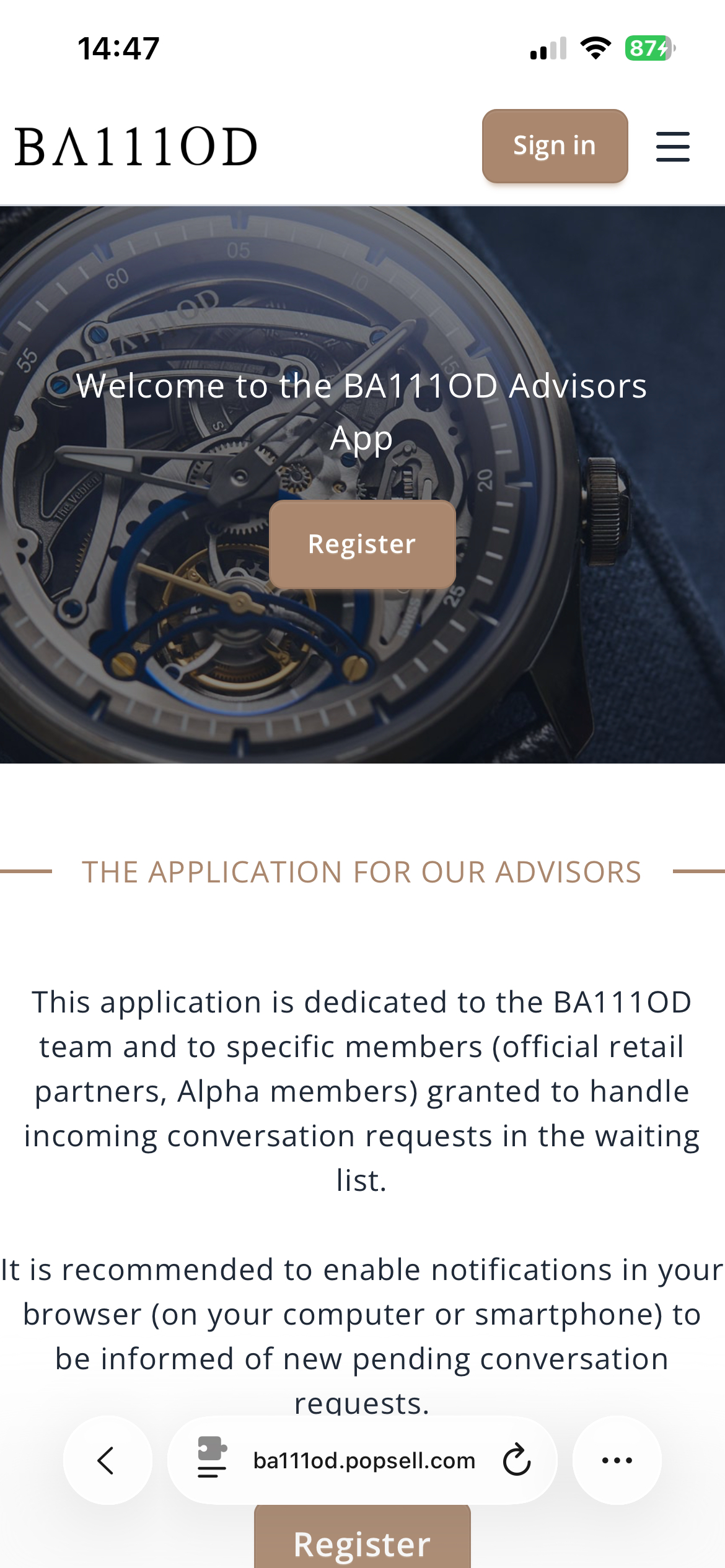
Open the https://brand.popsell.com web site on Safari or Chrome on the iPhone
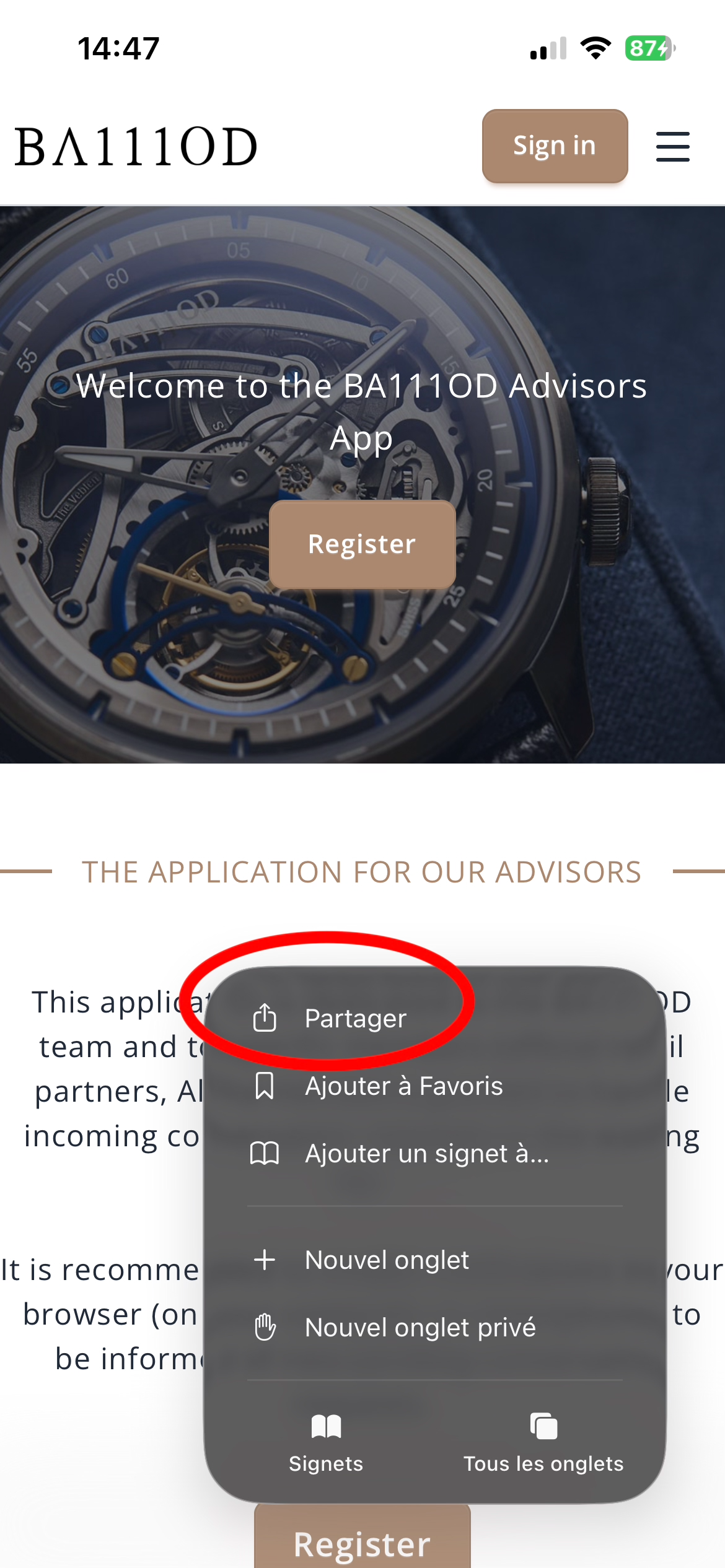
Click on the “…” to display the menu, then click “Share”
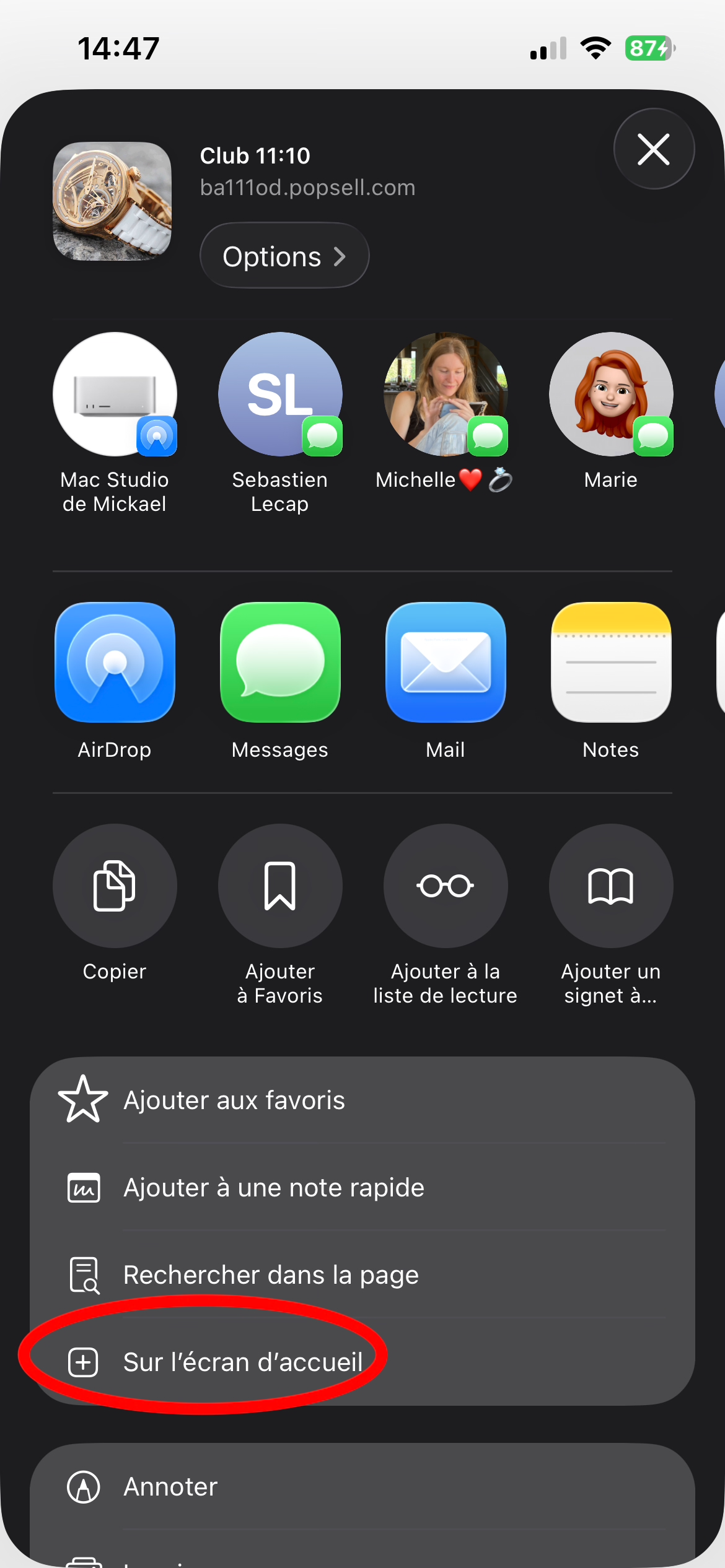
On the Home Screen
Add
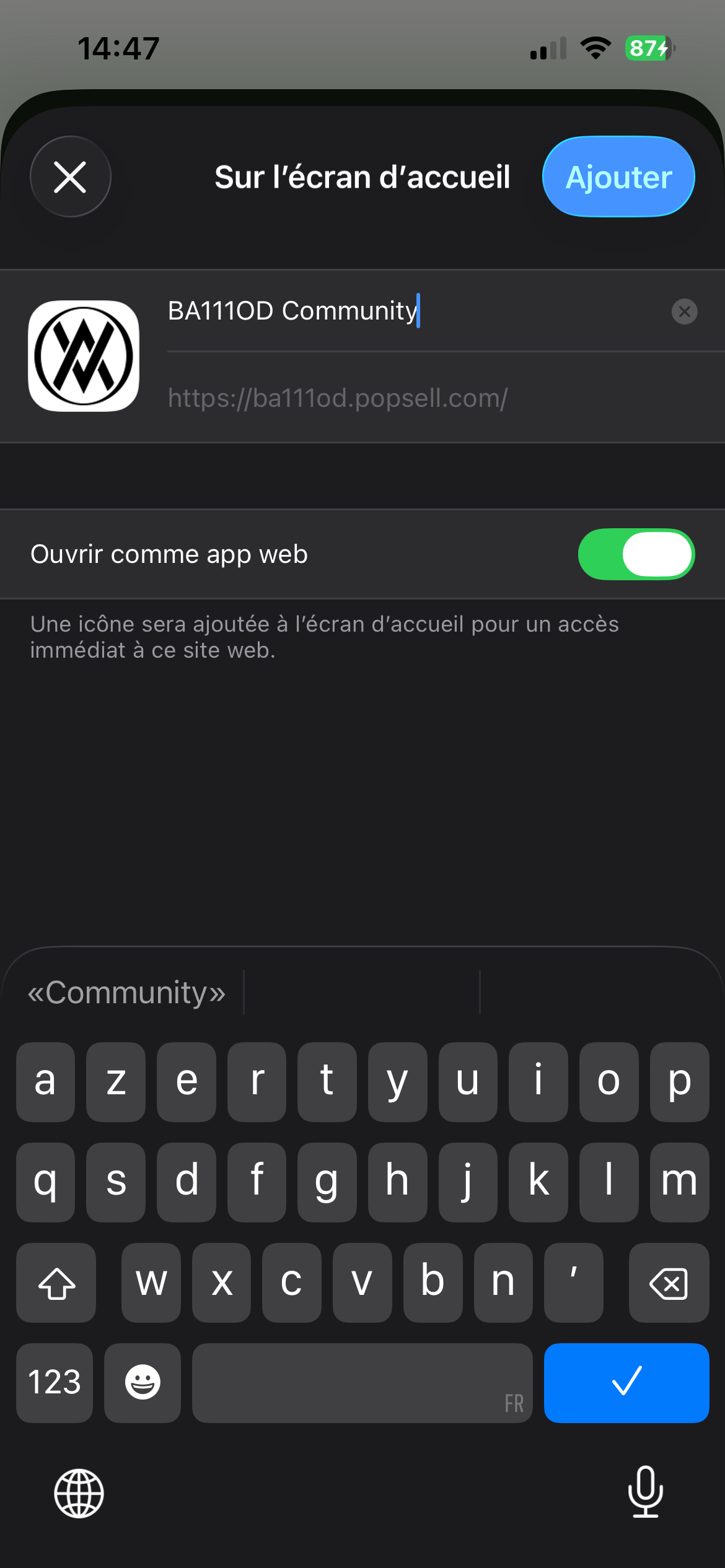
Add enable the notifications.